

A few years ago I sat in the back office of a family owned hardware store while the owner tested his retail store local SEO the simplest way possible. He opened Google Maps on his phone and typed “paint store near me” from his own parking lot. However, his store didn’t show up. Instead, two chains, one of them nearly four miles away, filled the map. He looked at me and said, “I’m standing in the place they’re looking for.”
That moment sums up why this work matters. Shoppers aren’t failing to look for you. In fact, they’re looking, and Google is answering with somebody else. Most of the time the fix isn’t a big budget or a clever trick. Instead, it’s a series of small, unglamorous jobs done properly and kept up month after month.
I’ve spent most of my career doing local search work for physical stores: boutiques, garden centers, bike shops, specialty grocers, furniture showrooms and a few regional chains. So what follows is the approach I actually use with clients, in roughly the order I’d tackle it if your store were my next project.
Why Retail Store Local SEO Is Its Own Discipline
A lot of generic SEO advice is written for service businesses like plumbers and dentists. However, retail is different in three ways that change the work.
First, retail shoppers search for products, not just for stores. For example, someone rarely types “gift shop.” Instead, they type “candles near me” or “who has a size 10 trail shoe in stock.” Your store therefore needs to be findable through the things you sell, not only through your category.
Second, timing is tight. Retail searches often happen an hour before a visit, sometimes from the car. Google has reported that mobile “near me” searches containing phrases like “can I buy” or “to buy” grew over 500% across two years, and that searches for “open now near me” grew more than 200% in the same kind of window. As a result, those people want an answer they can act on right now: are you open, do you have it, how do I get there.
Third, shoppers compare fast and pick from a short list. BrightLocal’s 2026 research on local search behavior found that most consumers look at three or fewer businesses before deciding. So if you aren’t in that first handful, you’re not in the running at all.
In short, retail store local SEO isn’t just “rank higher.” It’s being visible for the products people want, at the moment they want them, with enough trust signals that they choose you over the two other stores on the screen.
How Google Weighs Retail Store Local SEO Signals
Before touching any settings, it helps to know what Google says it is weighing. According to Google’s own help documentation on how to improve your local ranking, local results are based mainly on relevance, distance and prominence.
Relevance is how well your profile matches the search. Distance, on the other hand, is how far you are from the searcher or from the location named in the query. Finally, prominence is how well known you are, which Google says draws on links, articles, directories, your review count and review score, and even your position in regular web results.
Of course, you can’t move your building, so distance is mostly fixed. That leaves relevance and prominence, and nearly everything in this guide is about one or the other.
For a wider view, I lean on Whitespark’s Local Search Ranking Factors study. The 2026 edition surveyed 47 local search experts, who scored 187 factors, and for the first time it also estimated how each factor affects visibility in AI search tools as well as the map pack. One trend from that report matches what I see with clients: link signals keep declining in importance for local rankings, while the Business Profile itself, reviews and onsite signals carry the most weight. That’s good news for small retailers, because the heaviest factors are the ones you control directly.
Step One: Make Your Google Business Profile the Heart of Retail Store Local SEO
If I could only work on one thing for a retail client, it would be the Google Business Profile. For most nearby shoppers it is the first version of your store they ever see, and in fact plenty of them never visit your website at all.
Here’s what I check on every new account.
Get the Core Details Right
Categories. Your primary category does more heavy lifting than almost any other field. Therefore, pick the most specific option that honestly describes your store. For instance, “Running store” beats “sporting goods store” if running gear is what you are known for. Then add secondary categories for the other things you genuinely sell. I’ve watched stores jump into the map pack for an entire product line just by adding a missing secondary category.
Business name. Use your real name, the one on your sign. Stuffing keywords into the name (“Main Street Books Best Bookstore Downtown”) breaks Google’s guidelines for representing your business and can get the profile suspended. Besides, it looks spammy to shoppers.
Hours, including special hours. This sounds basic, and it is, but wrong hours cost retailers more than almost anything else. After all, a shopper who drives over and finds a locked door doesn’t just leave. They leave a review. So update holiday hours weeks ahead, and use the special hours feature for every sale event, inventory day and early close.
Make the Listing Feel Alive
Products. The products section lets you showcase items with photos, descriptions and prices right on your listing. Still, most stores leave it empty. Fill it with your best sellers and the items people ask about by name.
Photos. Real photos of your storefront, your entrance, your aisles and your staff do two jobs. First, they help shoppers recognize the building when they arrive, and second, they make the listing feel alive. Add new ones every month. In my experience, phone photos taken in good light beat polished stock images every time.
Attributes. Wheelchair accessible entrance, in store pickup, curbside pickup, free parking, owned by a local family. These small tags answer real questions and also help you show up for filtered searches.
Posts and Q&A. Posts are a simple way to announce a new arrival, a sale or a workshop. For the questions section, I often seed it with the questions staff hear at the register every week, then answer them clearly from the business account.
Finally, verify the profile if you haven’t. Google notes that verification tells it you’re authorized to represent the business, which makes the profile more likely to appear in results.
Step Two: Add Your Inventory to Your Retail Store Local SEO Plan
This is the step that separates retail store local SEO from every other kind of local work, and it’s also the one I see skipped most often.
Shoppers don’t only want to know that you exist. Above all, they want to know whether you have the thing. Back in 2020, Google said searches combining “who has” and “in stock” grew by more than 8,000% year over year in the US. That habit never really went away. Since then, Google has added more ways to search for nearby product availability, including inside its AI Mode.
Set Up Free Local Listings in Merchant Center
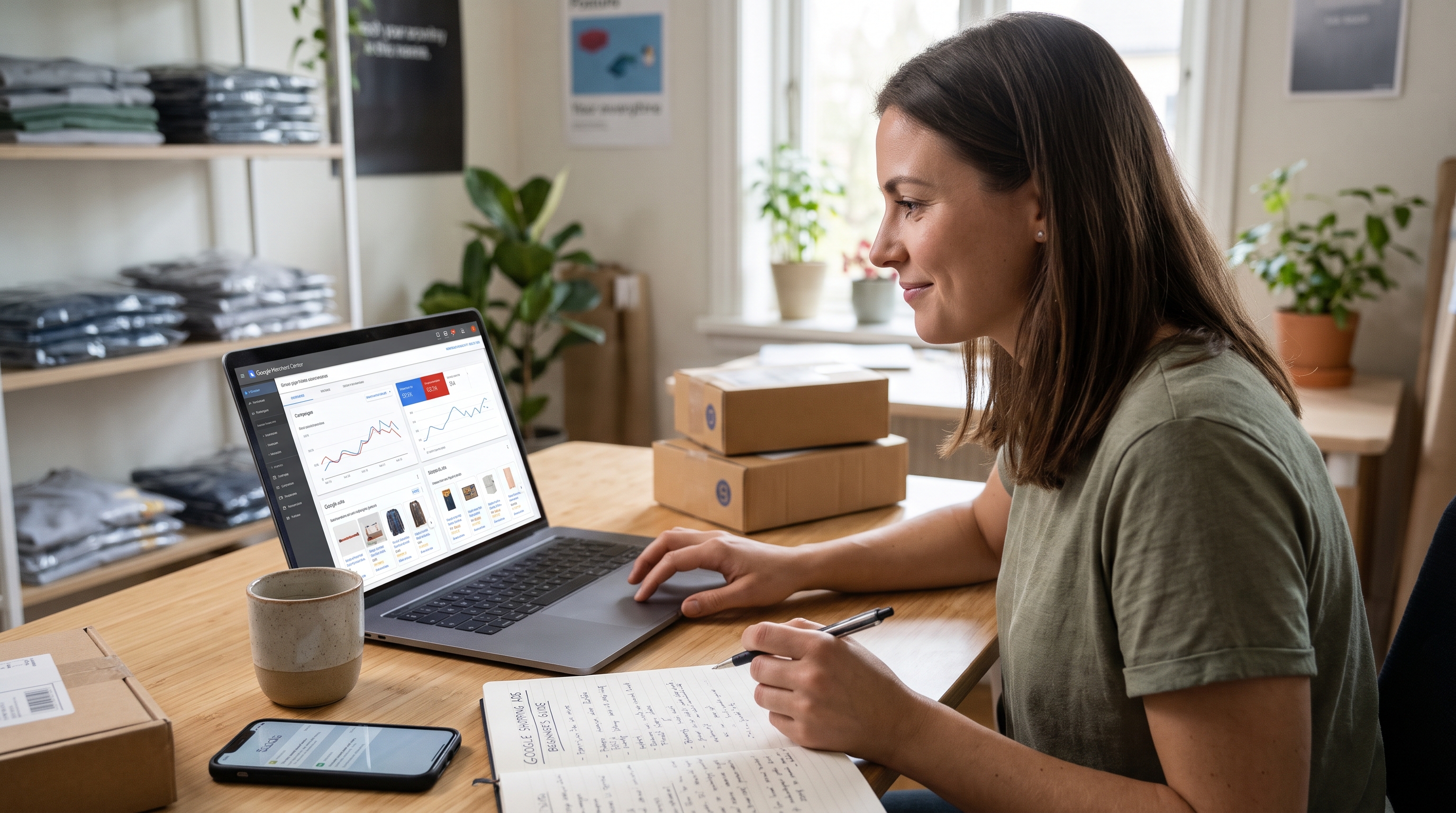
The tool that answers this is Google Merchant Center. With free local listings, the products you sell in store can appear at no cost across Google surfaces, and Google’s help pages list Search, Maps, YouTube, the Shopping tab, Images and Lens. To get started, you connect your Business Profile to Merchant Center, submit a product feed and a local inventory feed, and opt in.
Two things make this easier than store owners expect. First, if your website doesn’t show in store availability, Google offers a hosted store page that can display your in store inventory for you. In addition, in some countries, eligible single location stores can have products from their website appear as free local listings on their Business Profile automatically.
The real work, however, is keeping the feed accurate. If your point of sale system can export inventory, connect it. Most modern POS platforms have a Google integration or a partner that handles it. Otherwise, if a listing says you have an item and the shelf is empty, you’ve traded a sale for a bad review.
For example, with one gift shop client we started with just their top 200 products rather than the full catalog. That was enough to begin showing up in product searches within a few weeks, and it kept the feed manageable for a small team.
Step Three: Build a Website That Supports Retail Store Local SEO
Your website and your Business Profile should tell the same story. Google cross checks them, and shoppers often click through to confirm details before they drive over.
For a single store, the homepage should state clearly what you sell, where you are and when you’re open. Put your name, address and phone number in plain text (not inside an image) and keep it in the footer of every page. Also, embed a map. Then make the phone number tap to call on mobile.
Location Pages and Structured Data
For multiple stores, each location needs its own page. Not a list with fifty addresses, but a real page for each shop with its own address, hours, phone number, directions, parking notes, photos of that store, the manager’s name if they’re comfortable sharing it, and a short paragraph about the neighborhood. Link each Business Profile to its matching location page, not to the homepage. Honestly, this one change has done more for my multi location clients than almost anything else on the site.
Next, add structured data. Google’s documentation on local business structured data explains how to mark up your name, address, hours and other details so search engines can read them without guessing. Use the most specific type available, such as Store or one of its subtypes.
Then think about content for the way people actually search. For example, a bike shop that publishes a page on the best local rides, with a note on which tubes and tires suit the gravel trails nearby, earns links and searches no generic product page ever will. Similarly, a garden center that writes a monthly planting guide for its own climate zone becomes the obvious answer to “what should I plant in April” in that town. This kind of local content is where your knowledge as a store owner turns into rankings.
Speed matters too. If your site takes forever to load on a phone in a parking lot, the shopper goes back to the map and picks someone else.
Step Four: Use Reviews to Strengthen Retail Store Local SEO
Reviews influence both rankings and choices, and the numbers keep moving in the same direction. BrightLocal’s Local Consumer Review Survey 2026 found that 97% of consumers read reviews for local businesses. Moreover, the share who “always” read them rose to 41%, up from 29% the year before, and the average consumer now uses six different review sites when choosing a business.
The headline that stuck with me from that survey is about freshness. Shoppers increasingly want recent reviews, while older ones don’t carry the same weight. Darren Shaw of Whitespark has also argued that review recency is one of the most underrated ranking factors. In practice, then, a store with a steady flow of a few new reviews every week will usually beat a store that ran a big review push two years ago and then stopped.
A Simple Review System for Store Staff
Here’s the system I set up for retail clients:
- Ask at the moment of happiness. That’s usually at the register after a good conversation, or right after a pickup goes smoothly.
- Make it easy. For example, a short link or QR code on the receipt, a counter card and the follow up email for online orders all work.
- Train staff to ask naturally. “If you’ve got a second, a Google review really helps a small shop like ours” works far better than a script.
- Never offer discounts or gifts in exchange for reviews, and never filter so only happy customers get asked. Both break platform rules.
- Reply to every review, good or bad, within a few days. Keep replies human and specific, and take tough conversations offline.
Don’t ignore other platforms either. Depending on your category, Yelp, Facebook, Apple Maps and niche sites can matter. In fact, BrightLocal reported that Apple Maps usage for reading reviews nearly doubled in 2026, which tells me claiming your Apple Business Connect listing is no longer optional.
Step Five: Get Your Citations Straight and Earn Local Mentions
A citation is any place online that lists your store’s name, address and phone number. Data aggregators, directories, maps apps, your chamber of commerce and local news sites all count.
Consistency is what matters most. For instance, if your store moved two years ago and half the directories still show the old address, Google receives mixed signals and shoppers get wrong directions. That’s why I usually start a new client with a citation audit, fix the big platforms first and then work down the list.
For links and mentions, think local and real. Sponsor a youth team. Host a workshop and get it listed in community event calendars. Partner with a nearby café on a joint promotion. Then pitch the local paper when you hit a milestone, like twenty years in business or a new location opening. These mentions build prominence, and they also bring in foot traffic of their own.
You don’t need hundreds of links. In short, a handful of genuine local ones beats a pile of junk directory links every time.
Step Six: Prepare for Shoppers Who Ask AI Instead of Searching
This is the part of retail store local SEO that changed most in the past year. BrightLocal’s 2026 survey found that the share of consumers using AI tools for local recommendations jumped from 6% to 45% in a single year, while the share using Google to read reviews fell from 83% to 71%. Google is still far ahead, but the shift is real.
The good news is that the work doesn’t change much. AI assistants pull from the same sources: your Business Profile, review platforms, directories, your website and what local publications say about you. In fact, Whitespark’s 2026 study suggests citations matter more for AI visibility than many people assumed.
My practical advice, therefore, is to make your information clear, consistent and specific everywhere. For example, if your website says plainly that you carry wide width shoes, offer free fittings and stock a certain brand, an AI tool has something concrete to repeat when someone asks for a shoe store that does all three. By contrast, vague copy like “quality products and great service” gives it nothing.
How I Measure Retail Store Local SEO Results
Rankings alone don’t pay rent, so I track a mix of signals.
Inside the Business Profile, I watch calls, direction requests, website clicks and the search terms that triggered the listing. Direction requests are the closest thing to foot traffic data most small stores have, so I treat them as the headline number.
I also run a local rank grid, which checks your position from dozens of points across your area instead of one spot. For instance, a store might rank first from its own block and seventh two miles away. Seeing that spread tells you where to focus.
In Merchant Center, I check clicks and impressions on local product listings. Meanwhile, in Google Search Console, I look at queries and clicks for each location page.
And I ask the store to do something old fashioned: have staff ask new customers how they found the shop for a month. It’s not scientific, but combined with the numbers it paints an honest picture.
Overall, give the work three to six months before judging it. Profile fixes can move quickly, although reviews and local authority build slowly.
Common Retail Store Local SEO Mistakes I Still See
To save you some trouble, here are the problems I run into most when a new retail client comes on board:
- The profile is linked to the homepage instead of the right location page.
- Holiday hours were never updated, so the listing says “open” on a day the store is closed.
- The primary category is too broad.
- There are duplicate profiles from an old address or a previous owner.
- Reviews stopped coming in years ago and nobody replies to the ones that exist.
- The product feed was set up once and never synced again, so it shows items that are long gone.
- The website hides the address inside an image or a script that search engines can’t read.
None of these are hard to fix. However, they need someone to own them.
Where to Start This Week
If this feels like a lot, start small. This week, open your Business Profile and fix your categories, hours and photos. Next week, set up a simple review request at the register. After that, look into Merchant Center and free local listings for your top sellers.
That hardware store owner I mentioned at the start? We fixed his categories, added real photos, linked his POS to Merchant Center and started asking for reviews at checkout. It took a few months, but eventually, the next time he searched “paint store near me” from his parking lot, he was the first result. He sent me a screenshot. I still have it.
Good retail store local SEO isn’t magic. Rather, it’s consistency. The stores that win are the ones that keep showing up, online and on the shelf, exactly the way shoppers expect.
Retail Store Local SEO FAQs
What is retail store local SEO?
Retail store local SEO is the work of making a physical store visible in local search results, map listings and product searches so nearby shoppers can find it, check what it stocks and visit. It covers your Business Profile, inventory listings, website, reviews and citations. Google explains the core ranking factors in its guide to improving local ranking.
How long does local SEO take to work for a retail store?
Simple fixes like correcting categories and hours can show results within weeks. However, building reviews, local links and authority usually takes three to six months. Whitespark’s Local Search Ranking Factors report is a good reference for which signals carry the most weight.
Can my store’s products show up on Google Maps?
Yes. By connecting your Business Profile to Google Merchant Center and enrolling in free local listings, your in store products can appear on Google Search, Maps and other Google surfaces at no cost.
How many Google reviews does a retail store need?
There’s no magic number. Instead, recency and steady volume matter more than a big total. BrightLocal’s Local Consumer Review Survey 2026 shows shoppers increasingly favor recent reviews, so aim for a consistent flow every week.
Should each store location have its own page?
Yes. Each location should have a dedicated page with its own address, hours and details, linked from its matching Business Profile. Also, add local business structured data to each page so search engines read the details correctly.
Can I add keywords to my business name on Google?
No. Adding keywords that aren’t part of your real business name breaks Google’s guidelines for representing your business and, as a result, can lead to suspension.
References
- Google Business Profile Help. How to improve your local ranking on Google
- Google Business Profile Help. Guidelines for representing your business on Google
- Google Merchant Center Help. Local inventory ads and free local listings overview
- Google Merchant Center Help. About in store product and price availability hosted on Google
- Google Search Central. Local business structured data
- Google Blog. The latest local shopping trends
- Think with Google. Consumer insights on “near me” and “open now” searches
- Whitespark. Local Search Ranking Factors 2026
- BrightLocal. Local Consumer Review Survey 2026


Leave a Reply